

Shop in Seagoville • Business Services
Put AI to Work Inside Your Business
Organize incoming leads. Answer routine questions. Reduce the copying, sorting and follow-up that take time away from your customers.
Tell us what slows you down. We’ll help you identify a practical workflow.
Free AI Automation Checkup →Serving small businesses in Seagoville, Crandall, Combine and surrounding communities.

Start With the Problem
Where Is Your Business Losing Time?
You don’t need to choose the software. Start with the task you wish your team didn’t have to repeat.
Missing Leads?
Collect customer details, summarize the request and notify the right person—even when an inquiry arrives after hours.
Too Much Manual Work?
Move information from forms, emails and supported documents into your spreadsheet or compatible business system.
Slow Follow-Up?
Set up acknowledgments, reminders and approved follow-up steps so inquiries are easier to track.
AI Automation & Integration
Practical Services. Connected Workflows.
Add AI where interpretation helps, then connect it to clear business rules and the tools your team uses.
AI Lead Qualification
Identify requested services, summarize customer needs and route inquiries using your approved criteria.
Customer FAQ Assistant
Help visitors find approved information about hours, service areas, policies and next steps, with a path to a real person.
Email & Inquiry Processing
Sort incoming requests, extract useful details and prepare concise summaries for your staff.
Forms & Document Data
Extract information from supported submissions and organize records in a spreadsheet or compatible CRM.
Follow-Up Workflows
Connect lead summaries to acknowledgments, staff reminders and approved customer follow-up.
Translation Workflows
Prepare English and Spanish drafts of FAQs, service information and customer messages for review.
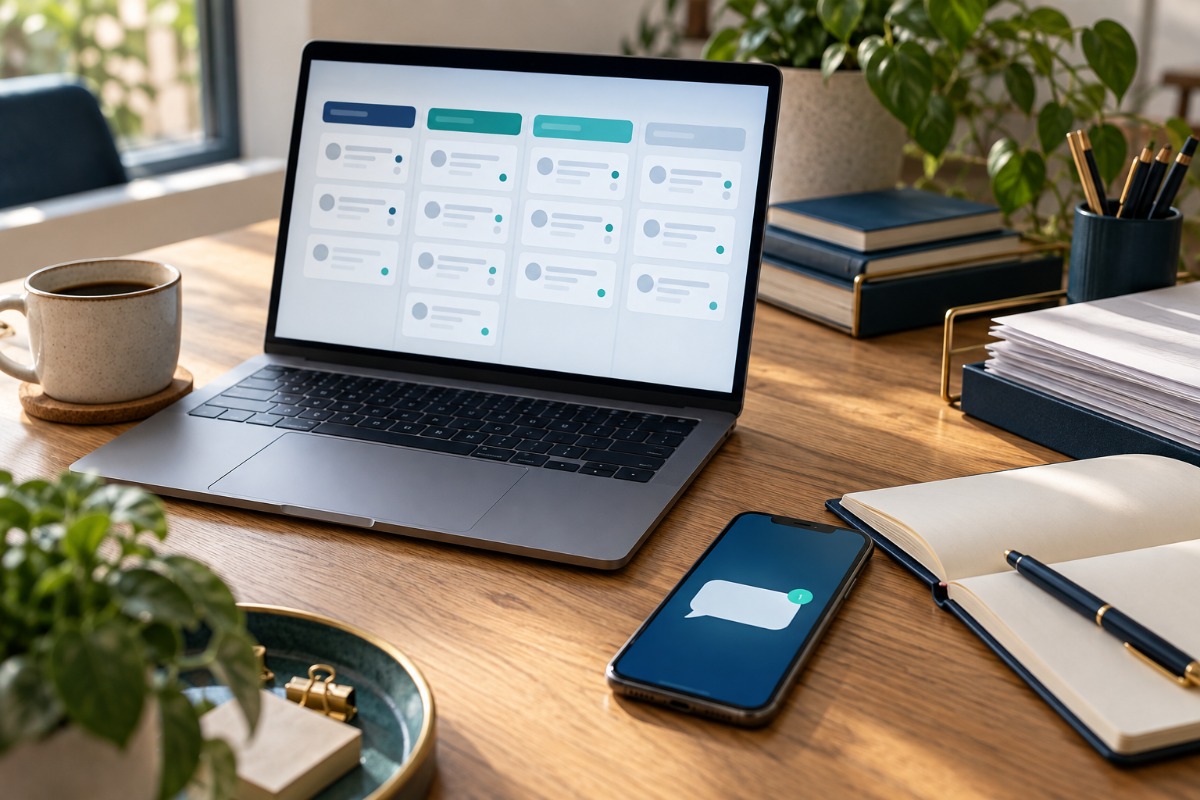
Example Workflow
From Long Inquiry to Useful Lead
A customer writes:
“My AC has been running all day, but the house is still warm. I’m in Crandall and need someone to call me.”
The system can prepare:
- Service: AC cooling issue
- Location: Crandall
- Next step: Callback requested
- Contact information supplied by the customer
The summary goes to the business, and the customer can receive an acknowledgment. Your staff decides how to respond and schedule service.
Illustrative example. Actual routing depends on the information submitted and your approved business rules.
How It Works
A Clear Path From Idea to Workflow
Show Us the Task
Describe the repetitive work, the tools you use and what a successful result would look like.
Approve the Plan
Review a defined scope, connections, costs and human review steps before implementation.
Test & Launch
Test realistic examples, train your team and launch with the monitoring agreed in your plan.
Setup + Monthly Management
Choose Your Starting Point
Begin with one useful process or connect several. We confirm compatibility and the work included before you commit.
AI Starter
For one repetitive process.
One-time setup
- One AI-assisted workflow
- One connected form or data source
- Lead or inquiry summaries
- Basic routing or notification
- Initial configuration and testing
- Monthly monitoring and minor adjustments
AI Business
Connect leads and follow-up.
One-time setup
- Up to three AI-assisted workflows
- AI lead qualification and categorization
- Automated inquiry acknowledgment
- Approved follow-up automation
- Email or form processing
- Google Sheets or compatible integration
- Initial testing and monthly workflow review
- Monitoring and minor adjustments
AI Business Pro
For connected business systems.
Setup starting at
One-time setup
- Multiple workflows with agreed scope
- Advanced routing and business rules
- Compatible CRM integration
- FAQ assistant or email processing
- Supported document extraction
- Internal notifications and reporting
- Initial testing and ongoing optimization
Extend an Existing System
AI Add-On Services
Already have business automation? Add a focused AI feature. These are starting setup fees; monthly management and usage costs are quoted separately.
Lead Qualification
From $199 setup
Analyze and categorize incoming lead details.
Inquiry Summaries
From $199 setup
Prepare concise summaries of longer requests.
Email Processing
From $299 setup
Extract details and sort business inquiries.
Translation Workflow
From $199 setup
Generate translation drafts for approval.
FAQ Assistant
From $499 setup
Answer routine questions using approved information.
Custom Integration
Custom quote
Connect compatible forms, CRMs and business tools.
How Our Business Services Fit Together
Not sure which service you need? Tell us the problem and we’ll recommend a starting point.
| Service | Purpose | Example |
|---|---|---|
| Website Services | Give customers a place to find you and make contact. | Service pages and an inquiry form. |
| Business Automation | Perform predefined steps when something happens. | A submitted form triggers a notification. |
| AI Automation & Integration | Interpret incoming information within an approved workflow. | Summarize a written request, classify it and route it to staff. |
Built Around Your Business
Useful Starting Points for Local Businesses
HVAC & Plumbing
Organize symptoms, service locations and callback requests for your dispatcher.
Roofing & Contractors
Summarize project descriptions and route estimate requests by service area.
Auto Repair
Collect vehicle details and customer concerns before staff arranges the next step.
Real Estate
Organize buyer and seller inquiries and prepare follow-up tasks for your team.
Insurance Agencies
Sort general inquiries and direct coverage questions to an authorized professional.
Offices & Local Services
Reduce repeated copying, sort intake information and make routine FAQs easier to find.
Your Team Stays in Control
AI Handles the Repetition. People Make the Decisions.
Use approved business information, clear routing rules and human review where it matters.
- Customers have a way to reach your staff.
- Unclear inquiries can be flagged for review.
- Important translations and extracted data can require approval.
- Your team approves pricing, advice and business commitments.
Sometimes a basic form or regular automation is the better solution. The checkup helps identify where AI adds value.

Questions Before You Start?
Do I need a new website?
Not necessarily. We review your current website and business tools first. Some workflows can connect to existing forms or systems; others may need changes.
What happens during the free checkup?
We review the task you want to improve, the tools involved and possible next steps. You receive a recommended starting point. Implementation is priced separately.
Can AI promise accurate answers every time?
No. We define the information it may use, test representative examples and identify where review or a staff handoff belongs.
Are software and usage fees included?
Only when your quote explicitly includes them. We identify third-party subscriptions, usage charges and paid integrations before you approve the project.
What information should I send?
Describe the task, your current process and the tools you use. Start with a general description rather than passwords or sensitive customer records.
Free AI Automation Checkup
What Would You Like to Take Off Your Plate?
Tell us about the leads, questions, emails or administrative work that keep repeating. We’ll review the process and recommend a practical next step.
Request My Free AI Automation Checkup →Not sure which package fits? Start with the problem. We’ll help you choose.